|
|
|
|
|
Map Manager Menu |
|
|
|
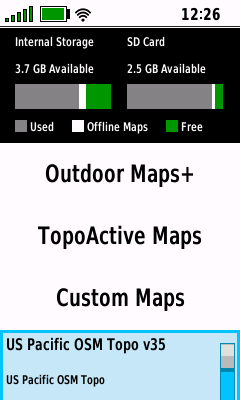
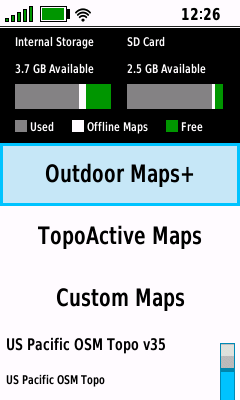
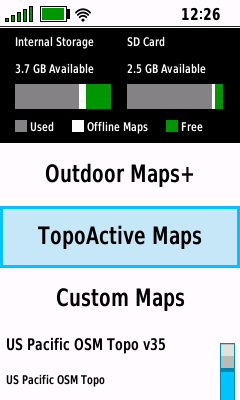
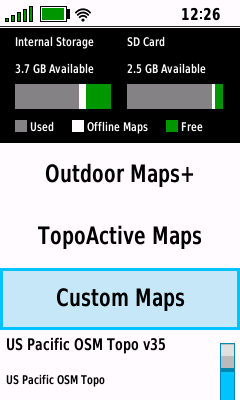
Map Selection |
- Choose desired map management category
|
 |
 |
 |
 |

 |
[Outdoor
Maps+] |
[TopoActive
Maps] |
[Custom
Maps] |
|
Scroll Vector
Maps |
|
|
|
|
|
|
|
|
|
|
|
|
Vector Maps |
-
Enable or disable
individual vector (IMG)
maps loaded on the device
-
Tip:
Enabling more than one routable map may result in adverse
routing behavior
-
Tip:
Always consider
Garmin map display hierarchy when enabling multiple
maps
|
|
|
|
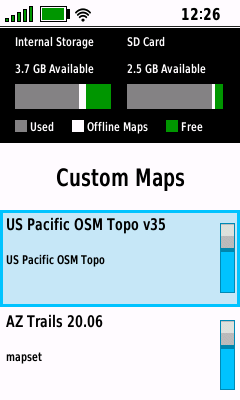
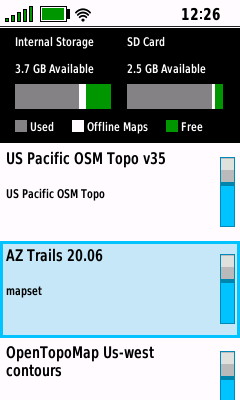
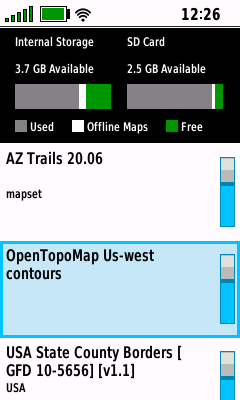
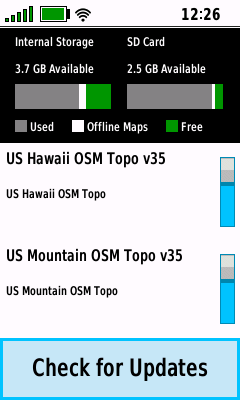
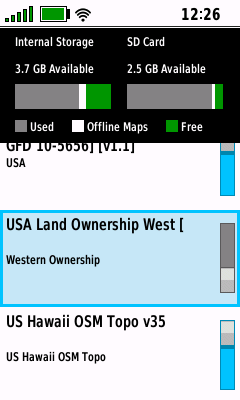
Map List |
- View available vector (IMG) maps
(located in the GPSr:\Garmin\ and microSD:\Garmin\ directories)
- Press (+) / (-)
buttons to scroll one full page
|
 |
 |
 |
 |
|
|
|
|
[Check for Updates] |
|
View Installed Maps |
View Installed Maps |
View Installed Maps |
|
|
|
|
|
|
|
|
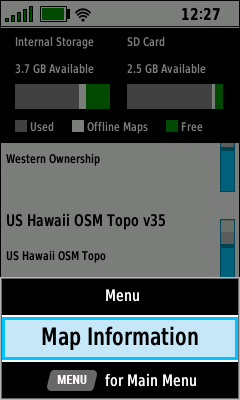
Map Information |
- View available details for the selected map
|
 |
 |
 |
 |
|
|
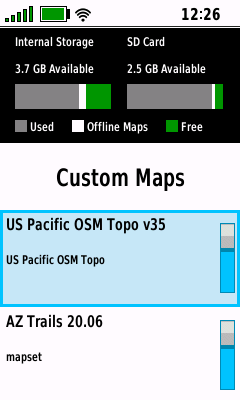
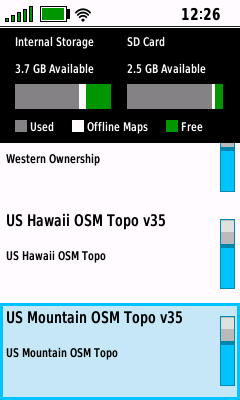
Select Desired Map |
(Menu) |
View Map Details |
|
View Installed Maps |
|
[Map Information] |
|
|
|
|
|
|
|
|
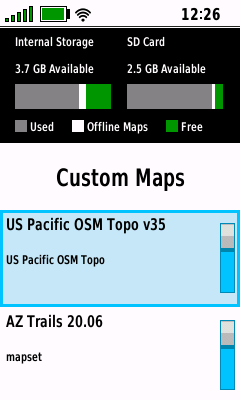
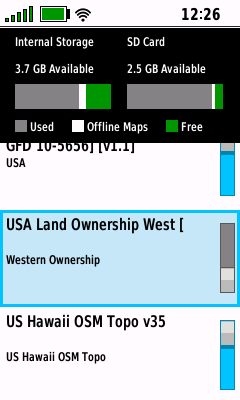
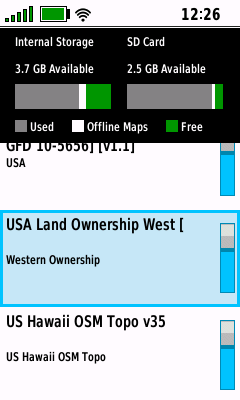
Enable Map |
|
|
 |
 |
 |
|
|
|
Select Disabled Map |
Selected Map is Enabled |
|
|
View Installed Maps |
Press (Enter) |
|
|
|
|
|
|
|
|
|
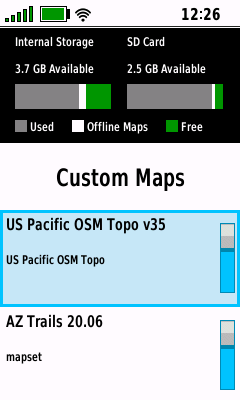
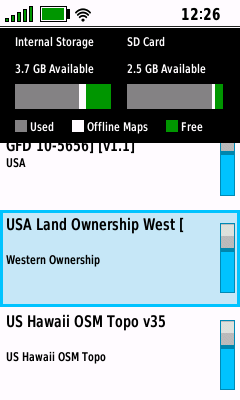
Disable Map |
- Disabled IMG Maps are not displayed on the Map page
|
 |
 |
 |
|
|
|
Select Enabled Map |
Selected Map is Disabled |
|
|
View Installed Maps |
Press (Enter) |
|
|
|
|
|
|

